4.2 Download button could be supplemented with file type and size (Observation)
4.2.1 Download button could be supplemented with file type and size
On the final page of the journey, users are presented with a “Download a copy of your answers” button, which initiates a PDF download containing their responses. However, the button does not indicate the file type (PDF) or the approximate file size. This lack of information can leave users uncertain about what to expect, especially those with slow internet connections, limited data plans, or who rely on assistive technologies to understand the nature of downloads.
Providing clear details about the file type and size helps users make informed decisions about whether to download the file and ensures they are not caught off guard by unexpected data usage or compatibility issues.
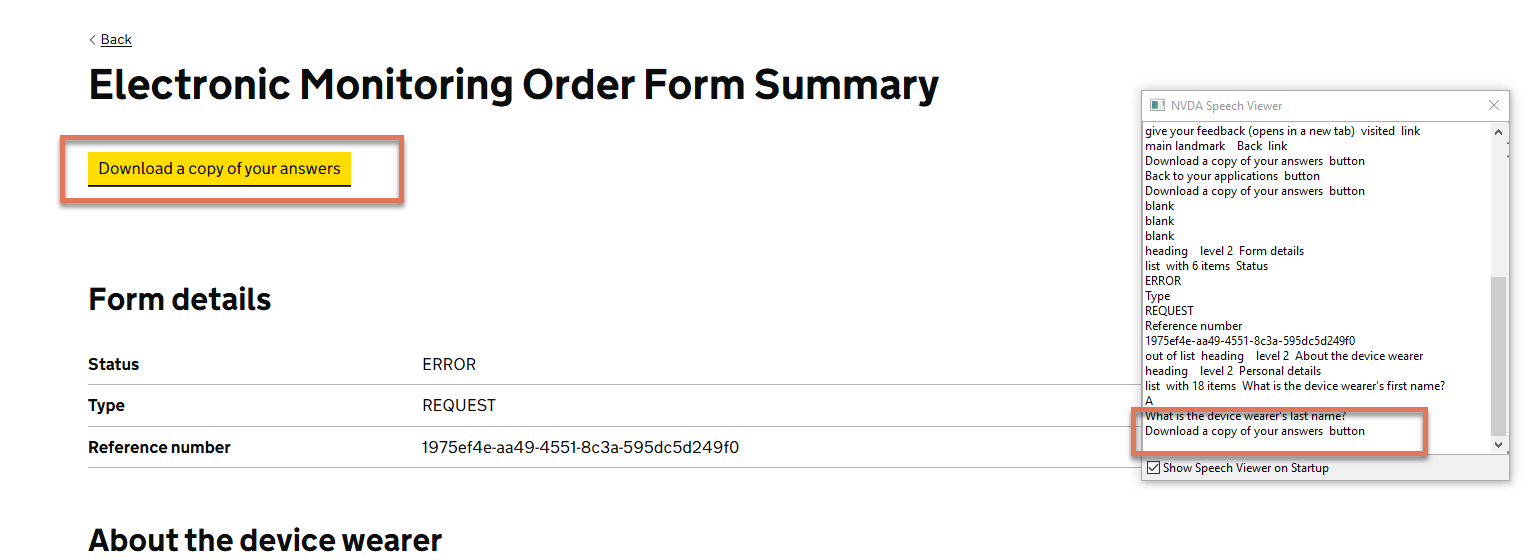
FIGURE 4.2: Download button on Form Summary page
4.2.2 Recommendation
Add text to indicate the file type and approximate file size near the download button or include it in the button label itself. For example:
<p class="govuk-hint">
  Download a copy of your answers (PDF, 250KB)
</p>
<button type="button">
  Download your answers
</button>