3.1 No error message shown when an empty curfew timetable form is submitted (Medium)
3.1.1 WCAG 3.3.1 (A), 3.3.3 (AA) - Desktop
On the Curfew Timetable page, if the user attempts to submit the form without completing any of the fields, the page simply reloads without providing an error message or summary. This leaves users unaware of what went wrong or why they cannot progress, which can be particularly problematic for screen reader users or those with cognitive impairments who rely on clear feedback to correct mistakes.
Additionally, the form currently allows submission if only one day is completed. While this flexibility might be intentional, it could lead to accidental errors where users mistakenly fill in a single day thinking they have completed the timetable, potentially resulting in an incomplete or incorrect curfew schedule.
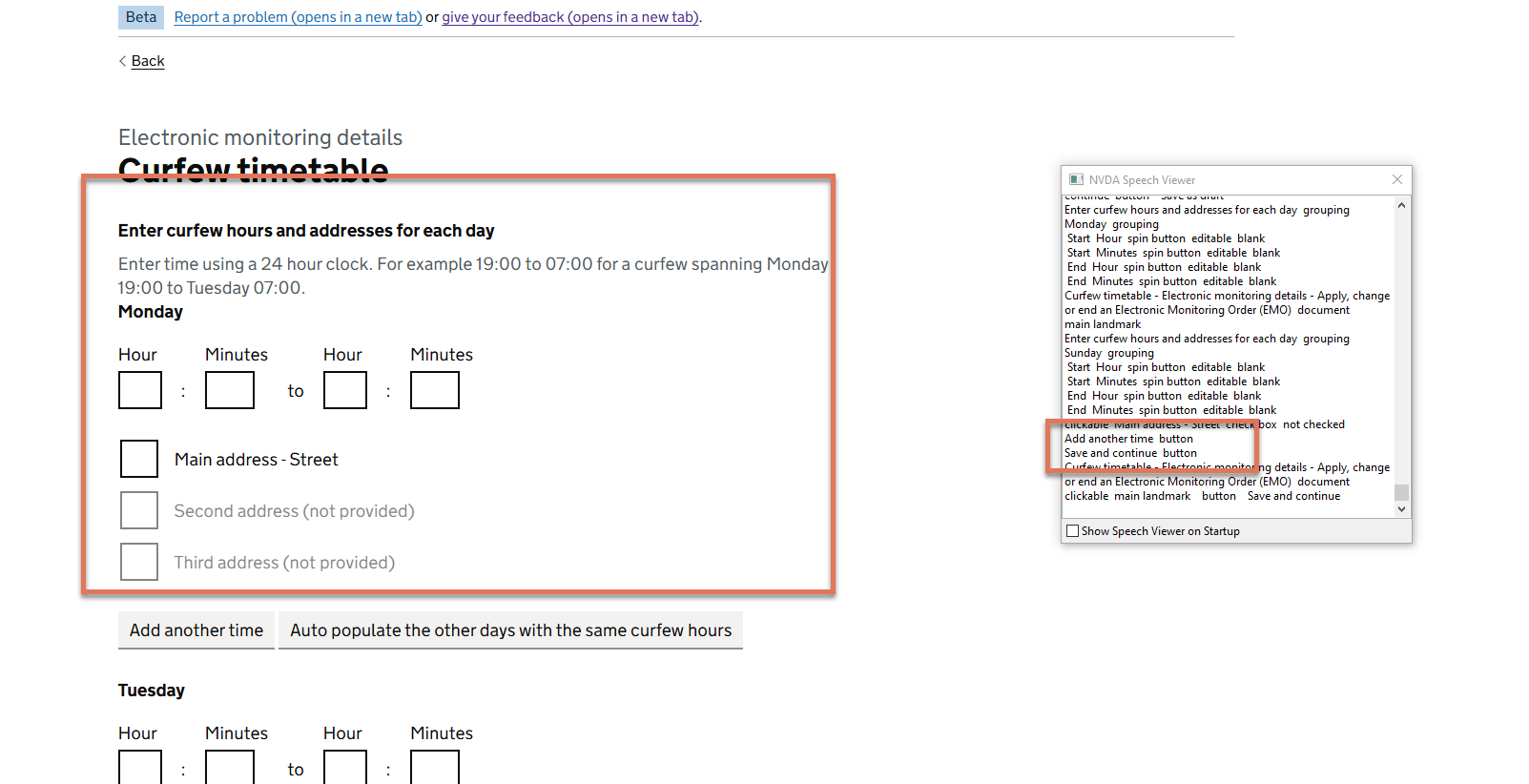
FIGURE 3.1: Curfew timetable page after attempting to submit an empty form
3.1.2 Recommendation
Ensure that if the form is submitted without any days completed, an error summary is displayed at the top of the page, clearly informing users that they must provide curfew information for at least one day. Ensure that this is announced by screen readers as well, using the role="alert" attribute as has been implemented on other parts of the site.
Also consider adding validation logic that requires confirmation if only one day has been filled in, such as a warning prompt or an explicit summary statement asking users to confirm that only one day of curfew is intended. This would help prevent accidental submissions while preserving flexibility for cases where a curfew on a single day is appropriate.
Example error summary markup:
<div class="govuk-error-summary" role="alert" tabindex="-1">
  <h2 class="govuk-error-summary__title">There is a problem</h2>
  <div class="govuk-error-summary__body">
    <ul class="govuk-list govuk-error-summary__list">
      <li>
      <a href="#curfew-days">You must enter curfew details for at least one day</a>
     </li>
    </ul>
  </div>
</div>